


What v0 is and why shadcn/ui matters
v0 is Vercel's AI code generator. From a natural-language prompt it produces React and Next.js interfaces: real code, not visual blocks you have to painfully export.
The quality of the output comes from the stack: v0 generates shadcn/ui components, built on Radix's accessible primitives, with full control over the code. Accessibility and behavior are solid by default, and everything stays editable.
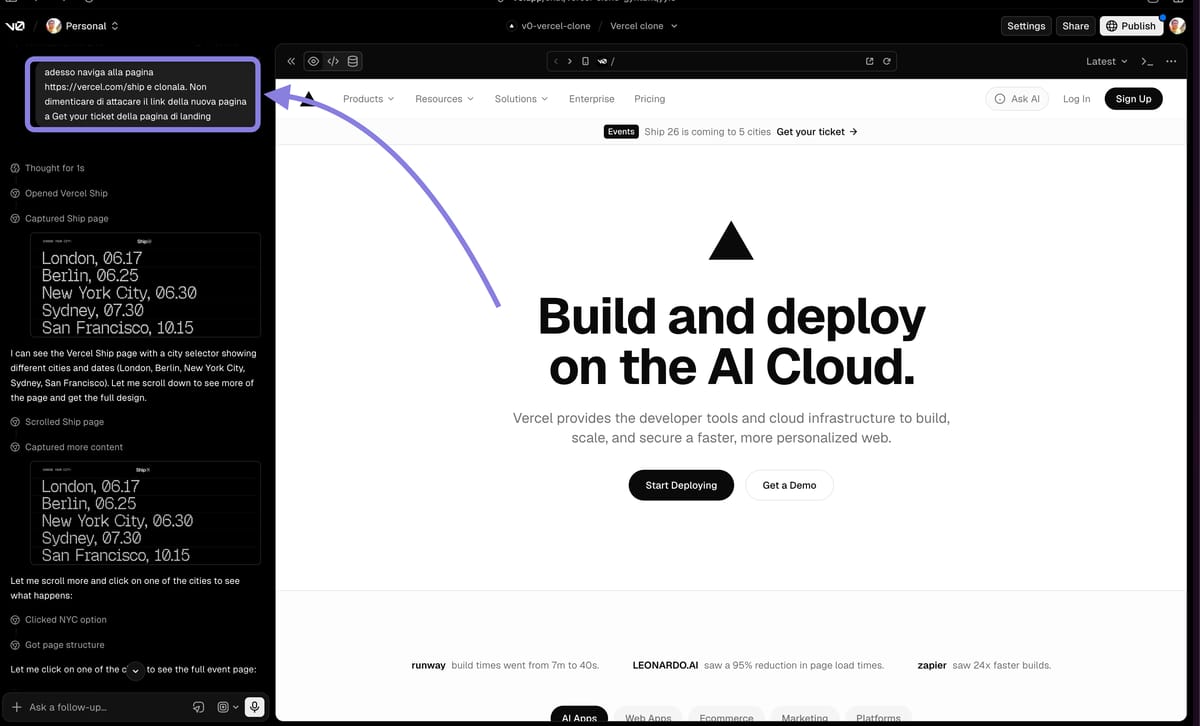
The feature that changes everything is Browser Use: v0 doesn't guess what a page looks like, it actually opens it, observes it, and rebuilds it. Under the hood is Vercel Labs' agent-browser, which drives the browser via the Chrome DevTools Protocol.
Browser Use: cloning vercel.com in 4 steps
The best way to understand it is to watch it work. In the demo I asked v0 to clone its own homepage. Here's the flow, from prompt to React.
- 1
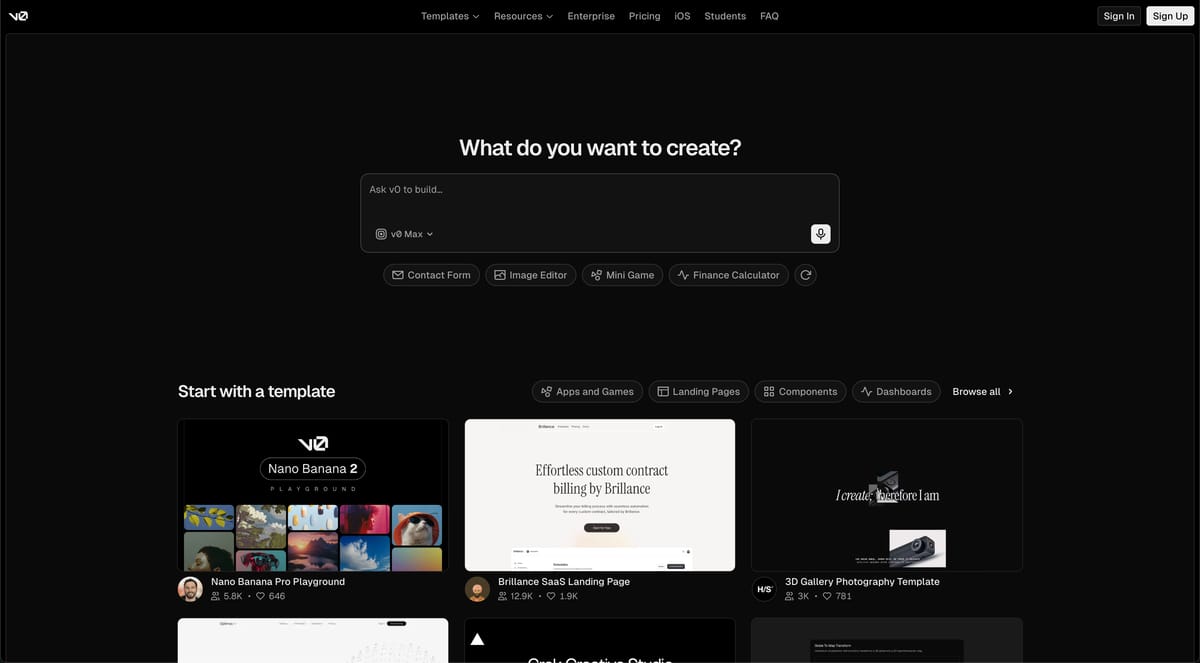
Open v0 and sign in
Go to v0.app (or v0.dev). The free account gives you daily credits: enough for exploratory cloning and prototyping work.
- 2
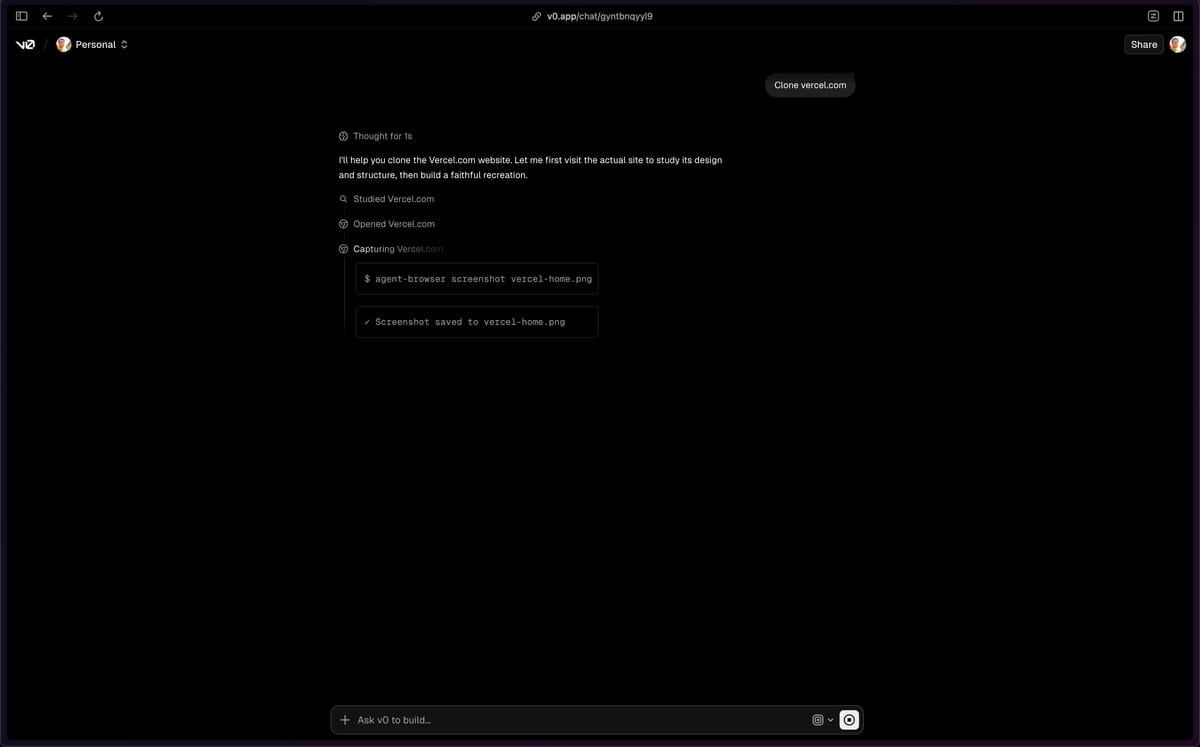
Give the clone prompt
Write something as simple as "clone vercel.com". This triggers Browser Use: the agent actually opens the page instead of guessing what it looks like.
- 3
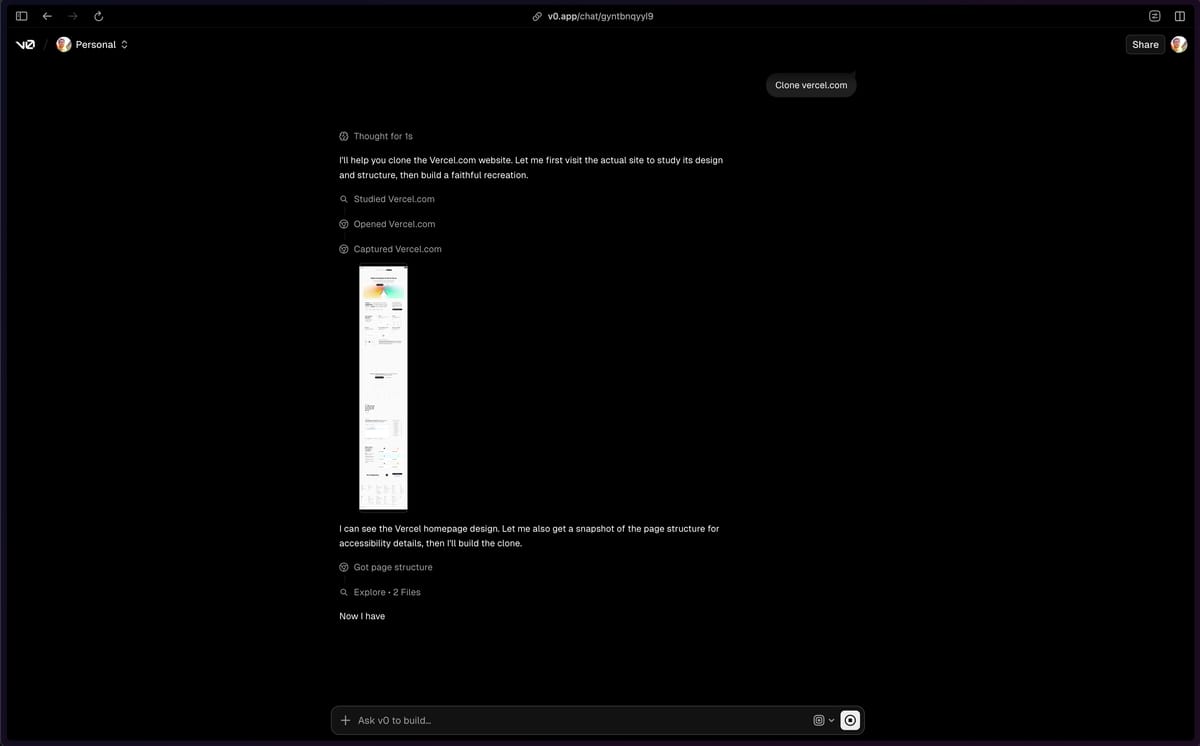
Watch it work
Follow the agent's steps: it loads the page, captures screenshots, analyzes the DOM and generates the components. It's all traceable, step by step.
- 4
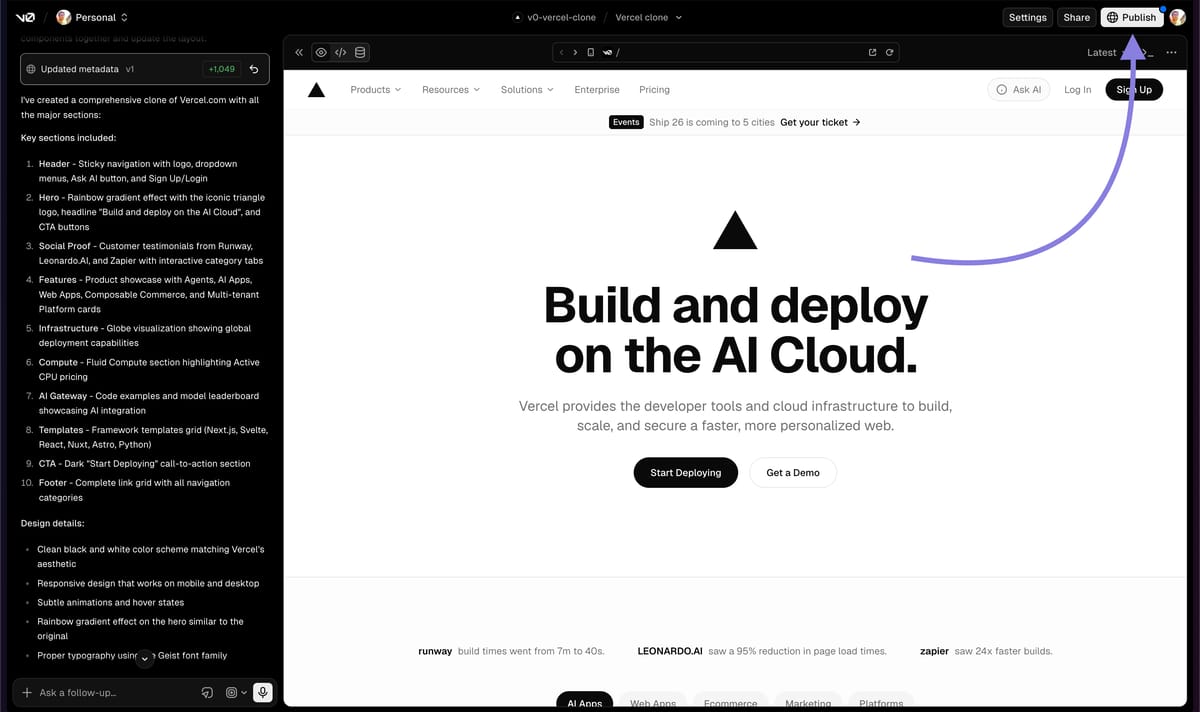
Review the generated React
You get React/Next.js code with Tailwind and shadcn/ui. It's a solid base at ~80%, not a pixel-perfect replica: the final 20% is your polishing work.
Think of v0 as an iterative environment, not a one-shot tool. It keeps the project's context: you can refine it with follow-up prompts without starting from scratch.
The prompt to copy (and linking the pages)
A good prompt looks more like a well-written technical issue than a chat message: explicit stack, goal, constraints and verification criteria. And you can already ask for a second page with the routing connected.
Navigate to [LANDING PAGE URL] and clone it.

Stack: React, Next.js (App Router), Tailwind CSS, shadcn/ui.
I want real, editable code, not visual blocks.

Goal: recreate the structure, layout and visual hierarchy of the page
(hero, sections, navbar, footer) as a starting point for MY brand.
Don't copy original logos, copy or images: leave them as placeholders.

Then create a second page [e.g. /pricing] consistent with the style,
and connect the hero button to this new page with Next.js routing.

Make everything responsive and accessible (use shadcn/ui's primitives).
Replace the parts in [brackets] with your own details. The more specific you are about the stack, numeric parameters and edge cases, the better the result: the model responds to details, not to vague requests.
Where Browser Use works best
It's not a universal tool. It excels on pages with a clear visual structure; it struggles where logic or application state are involved.
- Marketing landing pages.
- SaaS dashboards and product pages.
- Editorial layouts and static sections.
- Complex web apps with logic and state: Browser Use captures a single snapshot, not behavior.
- Content behind a login: the agent can't reach it.
- Very specific custom components: these need to be rebuilt by hand.
The right workflow on a real project: use Browser Use to study the patterns and speed up the prototype, then rebuild an original version with your own brand. It also works great combined with Figma as a visual reference.
Real limits and the ethical rule
v0 isn't magic: it's an amplifier. It gets you to 80% in a few minutes, but the final 20% (brand, copy, logic, polish) is still your work. And that's exactly where your MVP stops being someone else's clone and becomes yours.


