
The document doesn’t tell you what to build it with
docs/ux-ui.md tells you what to build: ten screens, the flow, the states. It doesn’t say what with. And the question you start from decides how long it takes.
«What’s the best technology?» — a question with no answer. It depends on things you’ll only find out six months from now.
«Which one gets me to a navigable demo in two weeks?» — this one has an answer, and it’s a single one.
That’s the criterion for this whole part: 0 to 1. Zero is nothing. One is something that opens, can be navigated, and can be shown to someone.
That doesn’t mean grabbing the first thing that works. What you need is a technology that’s mature, that the agent already knows how to use, and that goes online with no extra work. Because if the client says yes, that demo becomes the product — and at that point starting over costs more than all the time you saved.
More than one tool passes these three filters, and here we’re not opening a comparison: we pick two, I’ll tell you why, and by the end of this part you’ll know what you’re about to install.
There are two choices, not one
Building an app is a bit like furnishing a house, and there are two pieces to choose — different from each other, and not interchangeable.
- La struttura Where everything goes, and how you move from one screen to another. That comes from Next.js.
- I mobili The pieces that go inside, already assembled. Those come from the component library.
Beginners get lost here, and not because there are too many options: because the two choices look like the same one. They’re two separate questions, and the next two sections answer them one at a time.
The structure: Next.js
On the structure, the decision is already made: Next.js (which runs on React underneath). Widespread and mature, so examples and answers are everywhere. And built to work with agents: the team behind it publishes ready-made skills for Claude Code.
What it gives you, in things you can see
The screens each get an address. Every screen in the document becomes a reachable page: /cards, /matches, /profile. You don’t have to decide how they’re organized.
Moving from one screen to another is already solved. Press a button and the screen changes, the back button works, the link can be sent to someone. These are the first things the client tries.
It goes online with no extra work. Once the demo is done, the project is published by connecting it to a hosting service — that’s the work in part 7, and it’s a matter of minutes because it’s already in the right shape.
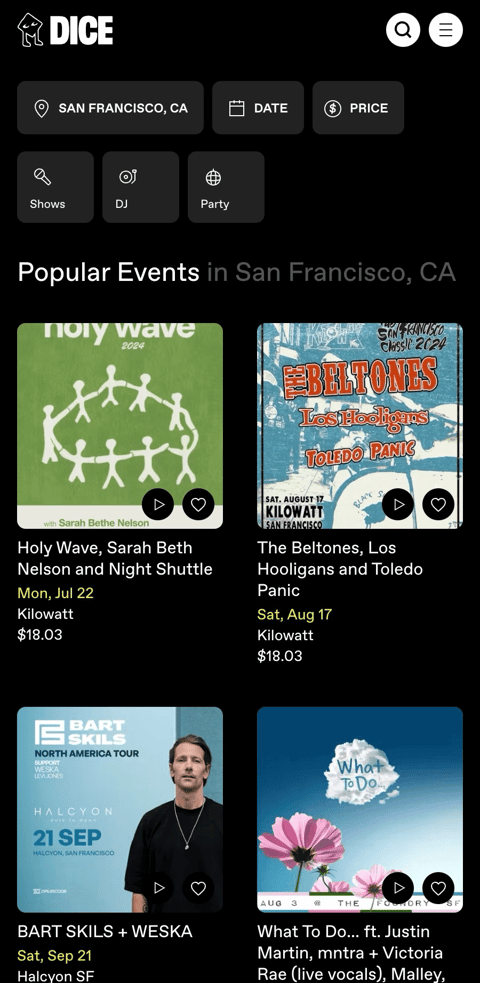
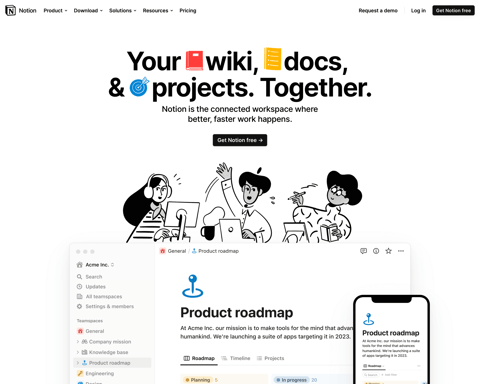
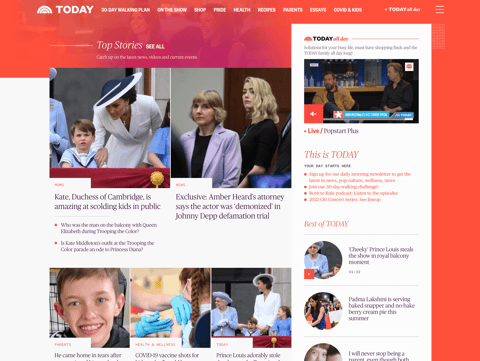
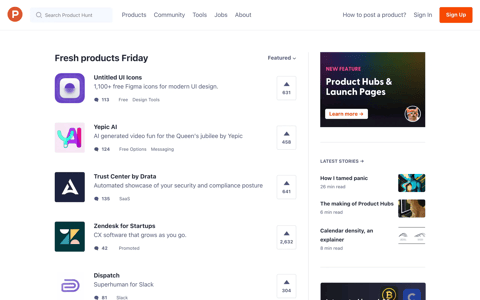
And it’s not a small-project-only choice: products you already use run on it.




The furniture: shadcn/ui
The furniture is shadcn/ui: buttons, fields, dialogs, menus, tables, calendars. The value isn’t that there are a lot of them — it’s that they’re maintained by people who do this for a living. They work with a finger and with a keyboard, they behave the same on Chrome and on Safari, they hold up on small screens and with enlarged text, and they keep doing that as browsers change underneath. They’re the pieces you’re not the one controlling, and that don’t break in your hand in front of the client.
Then there’s the difference from other libraries: you don’t install it, you copy it. One command, and the component’s file shows up in components/ui/ inside your project. You start from a solid piece someone else made, and from there it’s yours: you open it and you change it.
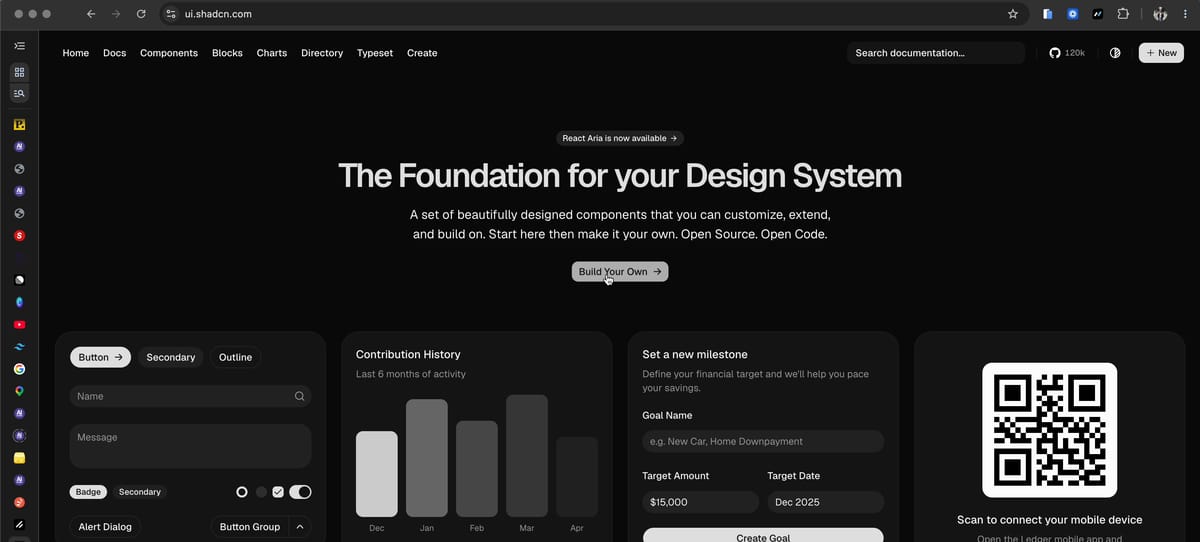
Why it matters right now: when in two days you ask Claude Code to change the shape of a button across the whole app, that change touches a file inside your own project — a file that already starts out correct. With an installed library, on the other hand, the style comes from outside and you fight it exception by exception.
Create: the combo that assembles itself
So far these are two separate choices, and usually the tedious work starts now: getting the framework, the CSS, and the library to talk to each other. Those are the hours that get burned before you can write the first screen.
What makes this pair hard to beat when you need to move fast is that you don’t do that work: shadcn doesn’t just give you the components, it sets up the project for you. It’s called Create, it’s a page on their site, and it hands you a single command that pulls up Next.js and shadcn/ui already wired together.
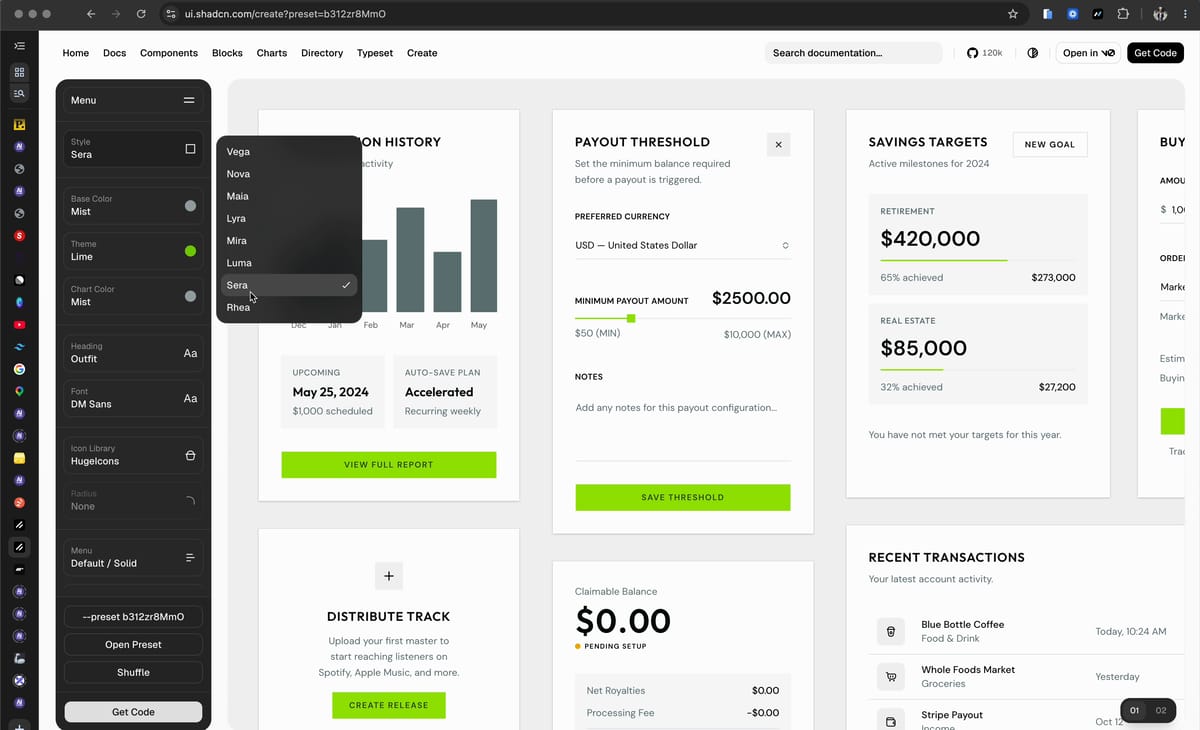
- A complete Next.js project, with its own folder structure
- Tailwind installed and configured — the tool you write the style with
- The theme colors as variables, in one single place: change them from there
- The first shadcn/ui component already inside the project, as a file of your own
A couple of minutes, and the project is running on your computer. This is what I mean by «the technology that gets you to 1»: not the best one out there, the one that puts you on the road while everyone else is still choosing.
The decision is closed and we’re not reopening it. In part 3 we do it: four steps, one command to copy, and by the end Claude Code open inside the project folder.